

His SEO, PPC, and AI-driven automation work has helped clients increase lead generation by as much as 187%. B&FPS has been named among the Best SEO Agencies, Best PPC Agencies, and Best Web Design Agencies in Miami by Expertise.com every year from 2023 through 2025, and holds a 5-star Google rating as a certified Google Partner.
Daniel holds a Master's in Interactive Technology from the University of Alabama and a Bachelor's in Public Administration from Barry University. He's completed specialized training in digital marketing through the University of Illinois at Urbana-Champaign and web development, coding, and business through the University of Michigan. He's a member of the Honor Society of Phi Kappa Phi and the Golden Key International Honour Society.
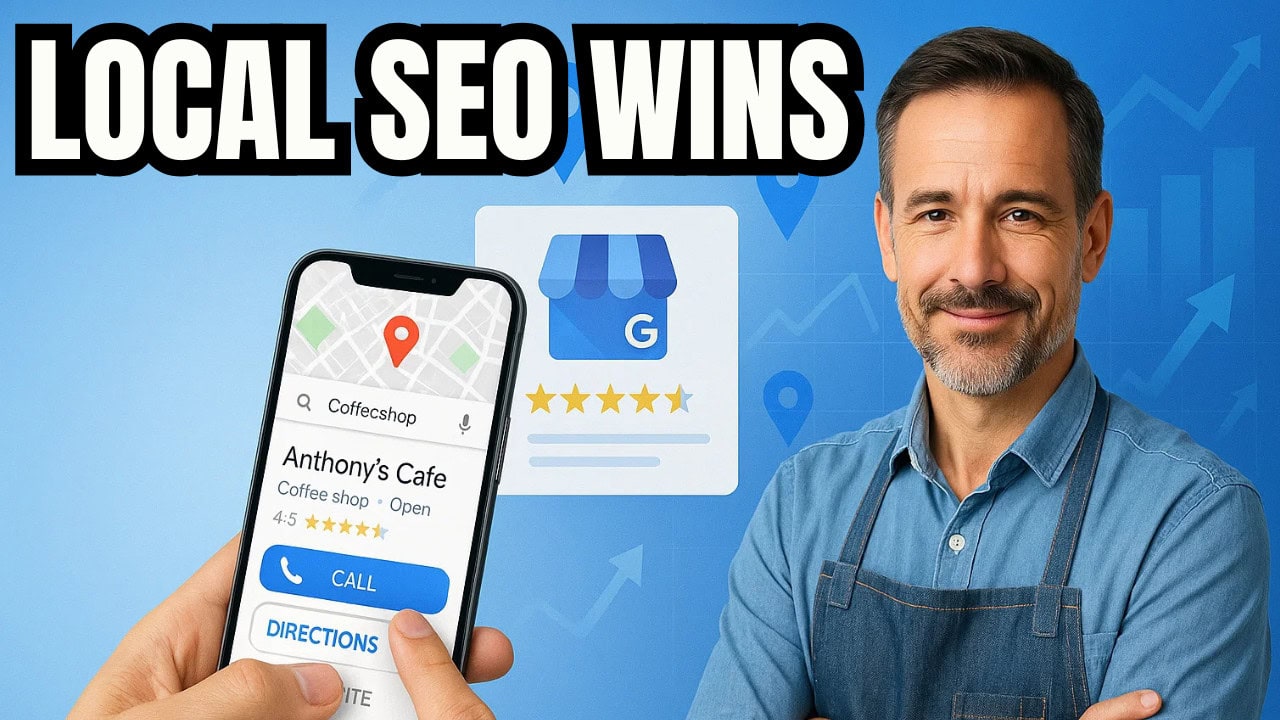
If you run a small business, your Google Business Profile is likely the first thing people see when they search for your name. It displays your hours, photos, reviews, and a very important call button. This profile is your first impression and often the deciding factor in whether someone reaches out to you or moves on.
In this episode of the B&FPS AI podcast, we explore why this matters and introduce our new Google Business Profile Guide to help you get it right and boost your local visibility.
We also introduce our ebook, The Complete Guide to Google Business Profile and Local SEO. This guide was created for small business owners who want to grow their presence without needing to become SEO experts.
It walks you through everything from setup to optimization and helps you keep your profile working for you over time. You can purchase the guide on its own or as part of our full GBP bundle available now at bandfps.com/gbp.
Why Your Google Business Profile Is So Important
Before someone checks out your website or social media, they usually see your Google Business Profile. That little box in the search results is not just a formality. It is where trust is built and decisions are made.
Data shows that more than 88 percent of mobile users who search for local services take action within a day. Businesses with a complete profile see seven times more clicks than those with missing information. Your Google Business Profile directly influences whether people find you, trust you, and contact you.
Service area businesses like electricians, cleaners, and landscapers benefit especially from a well-managed profile. You do not need a storefront to appear in local results, but you do need an accurate and verified profile.
What Our Google Business Profile Guide Includes
This ebook is designed to be a full walkthrough for business owners who want to take control of their Google Business Profile. It includes step-by-step instructions for:
- Claiming and verifying your business
- Choosing the right categories and services
- Writing a business description that brings in customers
- Uploading professional photos and keeping your hours up to date
- Getting and responding to reviews in a way that builds trust
- Using Google Insights to track performance and make data-driven updates
The bundle includes these extras:
- A checklist for consistent updates
- Templates for review requests and responses
- Tips on setting your service area if you do not have a storefront
- Real examples from businesses that improved their rankings with these methods
- A printer-friendly task list organized by weekly and monthly actions
- Built-in GPT prompts and access to a trained assistant to help you generate content or solve profile issues on the fly
The guide is simple to follow, visually clear, and does not require any technical knowledge. Every section is written in plain language with screenshots and examples to guide you through each task.
Why Your Profile Is More Than a Listing
Many people think of Google Business Profile as a one-time setup. Add your name, phone number, and maybe a few photos, and you are done. The truth is your profile needs regular care.
Google rewards active, well-managed listings by pushing them higher in search results. That means updating your profile is not optional if you want to stay visible and competitive.
When customers see recent photos, consistent information, and helpful responses to reviews, they are more likely to trust you. Google sees that activity and considers your business more relevant. This leads to more exposure, more clicks, and more business.
Examples of How This Works in Real Life
In our podcast, we shared two simple but powerful examples.
One business owner, Sarah, runs a local bakery. Her customer calls nearly doubled within two months of adding updated photos, correcting her hours, and responding to every review.
Tom, a plumber, went from being invisible to showing up in the top three local search results for emergency plumbing. He did not change his services. He just updated his Google Business Profile using the steps in this guide.
Managing Time and Cost
Many business owners are worried about time or cost. The good news is that having a Google Business Profile is completely free. The challenge is knowing how to use it effectively without spending hours reading technical guides.
That is why this ebook exists. It simplifies everything so you can get better results with less time.
If you can set aside twenty minutes each week to review and update your profile, this guide gives you the tools to make steady improvements. The bonus GPT assistant lets you generate descriptions, review replies, and photo captions in seconds, so you never feel stuck.

FAQs
What is a Google Business Profile?
It is the listing that shows up on Google when someone searches for your business or services. It includes your contact details, hours, reviews, photos, and a map location. It is free to create and critical for local visibility.
Is it the same as Google My Business?
Yes. Google rebranded it from Google My Business to Google Business Profile. It is the same tool with a new name and updated interface.
Can I use this if I work from home or do not have a storefront?
Absolutely. Many service area businesses use Google Business Profile without a public address. You can define a service radius and still appear in local searches.
My profile is already claimed but not getting views. What should I do?
Often this happens because the profile is not optimized. Missing information, outdated hours, or inactive management can cause Google to push your listing down. This guide helps you fix that.
How important are reviews?
Reviews are essential. They influence customer decisions and impact how Google ranks your business. The guide shows you how to get more reviews and how to respond in a way that builds trust.
What are Google Insights?
It is the analytics section in your Google Business Profile. It shows how people are finding and interacting with your profile. You can track searches, calls, direction requests, and clicks.
Is it hard to set all this up?
Not with the guide. Everything is broken down into simple steps with screenshots and examples. You do not need to be tech-savvy to follow along.
Do I have to pay for the profile?
No. Creating and managing your Google Business Profile is free. The only cost is for the ebook, which you can buy alone or as part of our GBP bundle.
Final Thoughts
Your Google Business Profile is not just a form or a listing. It is how people discover your business and decide whether to trust you. With regular attention and the right strategy, your profile becomes a powerful asset for getting more calls, visits, and leads.
The Complete Guide to Google Business Profile and Local SEO from B&FPS is built to help you take full advantage of this. It is written for small business owners who want clarity, structure, and results. Whether you are starting from scratch or trying to fix a profile that has been ignored for too long, this guide will give you the direction you need.
We hope you learned something today about our Google Business Profile Guide. Visit our blog for more articles and subscribe to our email list to learn more about search engine marketing.